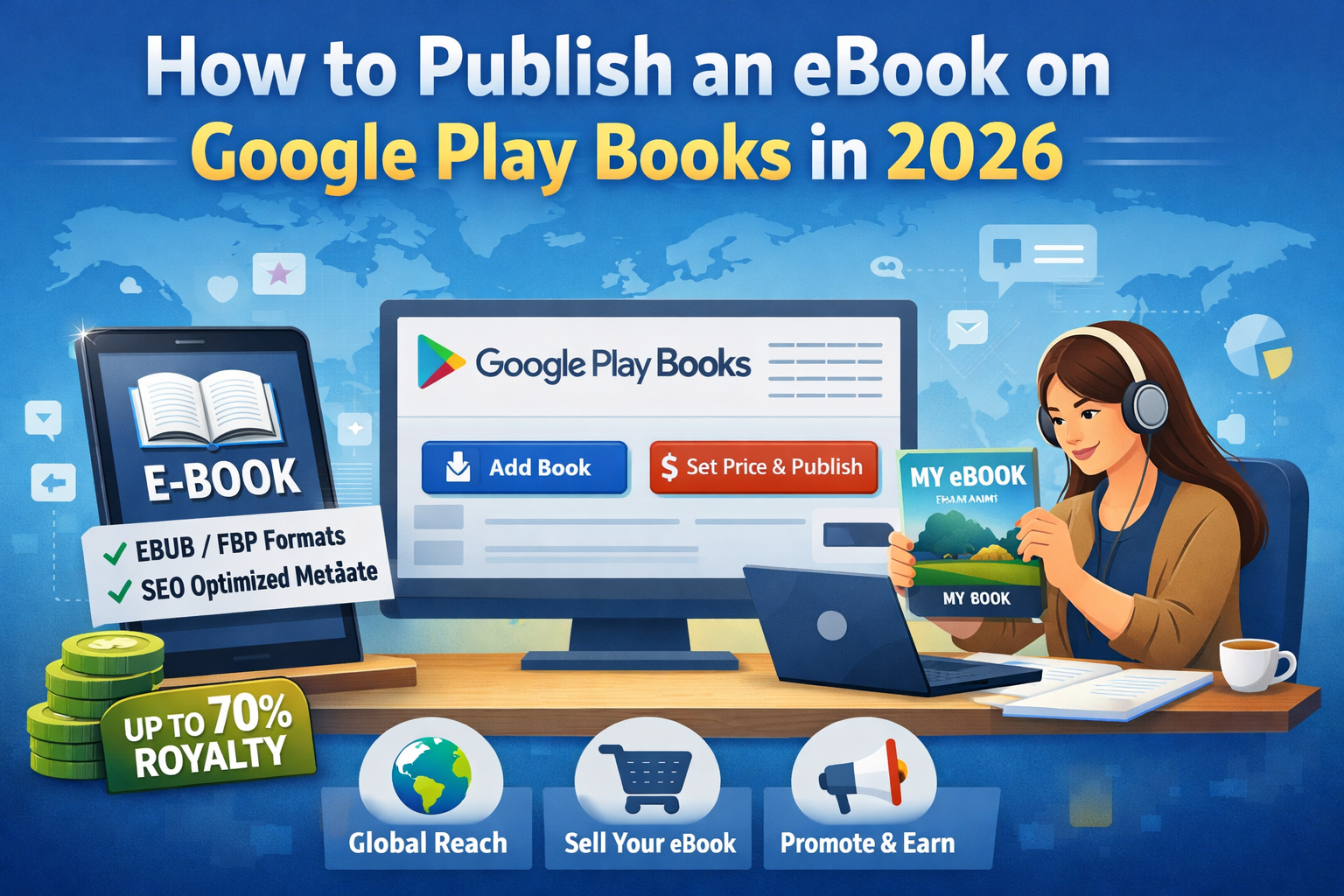

Publishing an eBook has become one of the most powerful ways for authors, creators, and educators to share their knowledge with the world. In 2026, Google Play Books continues to be one of the most trusted and beginner-friendly self-publishing platforms.
Why Publish an eBook on Google Play Books in 2026?
Google Play Books allows authors to publish directly without a traditional publisher. You stay in control of pricing, content, and updates.
Key benefits include:
- Global reach across Android, iOS, and web
- No upfront publishing cost
- Up to 70% royalty on sales
- Strong visibility on Google Search
- Lifetime availability of your book
For independent authors in 2026, this platform offers both credibility and scalability.
Step 1: Prepare Your eBook the Right Way
Before uploading, your eBook must be original, well-written, and properly formatted.
Supported Formats (2026)
- EPUB (recommended for reflowable text)
- PDF (best for fixed layouts like textbooks)
Content Quality Guidelines
- Write in clear, natural language
- Avoid copied or rewritten content
- Proofread for grammar and clarity
- Add a table of contents
- Include author details and copyright page
Step 2: Create a Google Play Books Partner Account
To publish your eBook, you must register on the Google Play Books Partner Center.
You will need to:
- Sign in with a Google account
- Accept the publisher agreement
- Complete tax and payment details
- Set your preferred countries and currencies
This step ensures author authenticity and payment transparency, which is critical for trustworthiness.
Step 3: Upload Your eBook and Cover
Once your account is ready, upload your book file and cover image.
Cover Design Tips (SEO + Trust)
- Minimum 1600px height
- Clear title and author name
- Professional and readable design
- Avoid misleading graphics
A clean cover improves click-through rate and reader confidence.
Step 4: Add Book Metadata (Very Important
Metadata helps Google understand and rank your book.
Fill in:
- Book title and subtitle (keyword-focused)
- Author name (real or pen name)
- Book description (human + SEO friendly)
- Language
- Categories and genre
- Age group (if applicable)
Step 5: Set Pricing and Distribution
You can:
- Set your own base price
- Allow Google to auto-convert currencies
- Choose countries for distribution
- Enable preview pages
Royalty Structure (2026)
- Up to 70% royalty
- Google manages taxes in many regions
- Earnings dashboard updates regularly
Step 6: Review, Fix Errors, and Publish
Google automatically checks your eBook for:
- Formatting errors
- Missing metadata
- Policy violations
Once cleared, publish your book.
Approval usually takes 24–72 hours.
Step 7: Promote Your eBook Smartly
Publishing alone is not enough.
Effective promotion methods:
- Share the book link on social media
- Write blog posts related to your book topic
- Use YouTube Shorts or Instagram Reels
- Optimize your author profile
Common Mistakes to Avoid
- Publishing copied or AI-spun content
- Poor formatting and layout
- Low-quality covers
- Keyword stuffing in descriptions
- Choosing wrong categories
These mistakes can harm both visibility and trust.